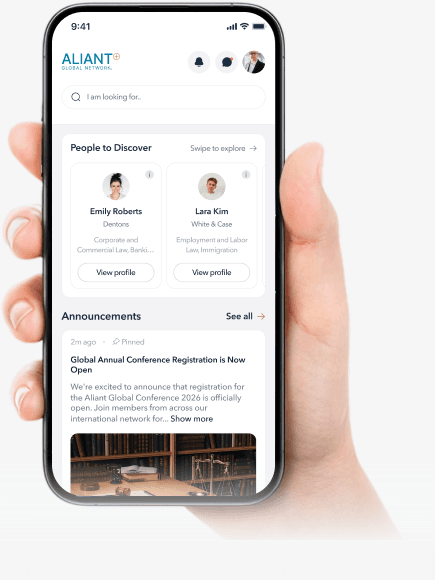
MyAliant+ Your global network, all in one place.
MyAliant+ brings cross-border deals, groups, conferences and network news together — so referring work across firms finally feels effortless
Connecting member firms and professionals across jurisdictions worldwide.
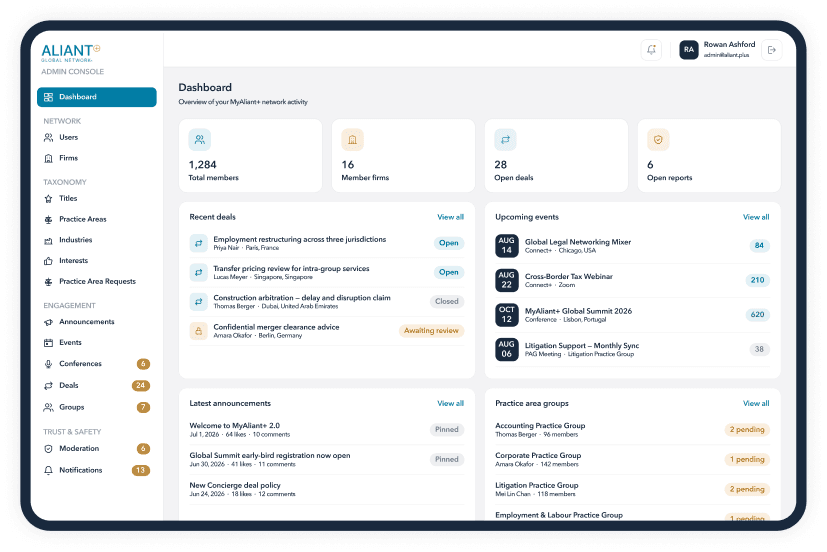
Your whole network, just in your browser.
MyAliant+ brings cross-border deals, groups, conferences and network news together — so referring work across firms finally feels effortless
Everything you need to connect across the network
Find the right people, join conversations, access events and share opportunities, all in one place.
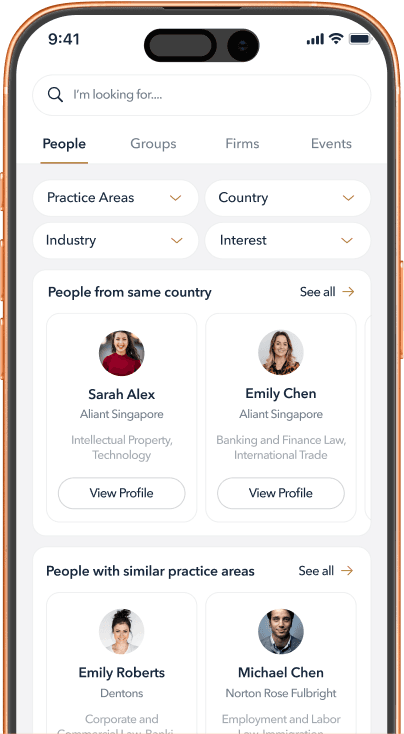
Find the Right People
Search members by practice area, location, firm and interests to quickly find the right person across the network.
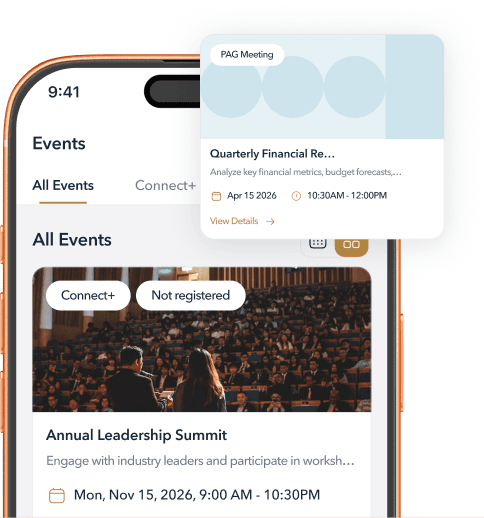
Stay Connected to Events & Conferences
See upcoming meetings, conferences and events, register to attend and keep important event information in one place.
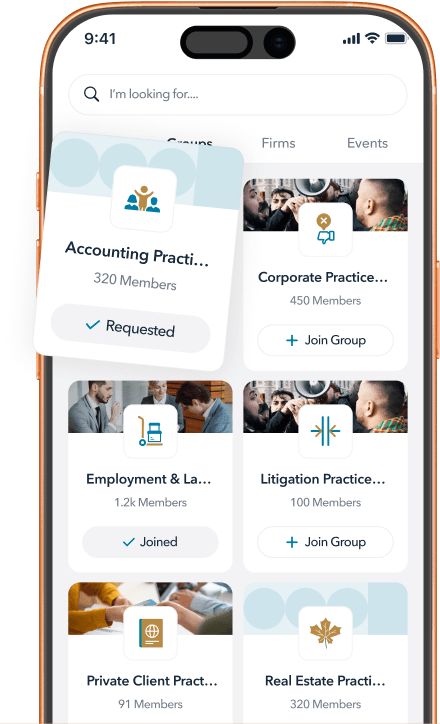
Connect Through Groups
Join groups built around practice areas, conferences and other shared interests, and keep conversations going between meetings.
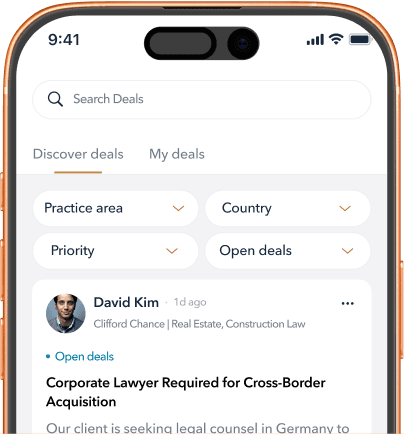
Share Opportunities. Find the Right Partner.
Post a deal or opportunity to the network, share it privately with selected members, and connect with members who can help.
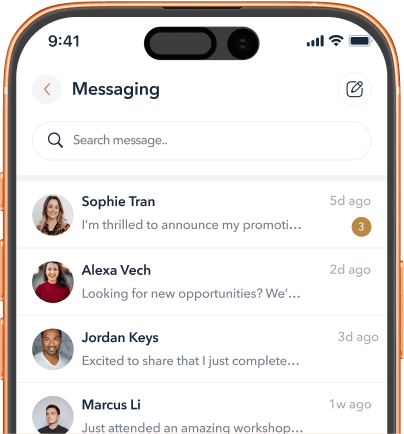
Message Members Directly
Start private conversations with members and keep collaboration moving without leaving MyAliant+.


Got questions? We've got answers
Learn more about how MyAliant+ works, who can join, and how access is granted.
Who can use MyAliant+?
MyAliant+ is available to approved members of Aliant and Aliant+ firms. Access is intended for professionals within the network and is subject to approval.
How do I create an account?
Select Create Your Account and complete the registration process. Once your account has been reviewed and approved, you’ll be able to access MyAliant+.
Is MyAliant+ available on both mobile and web?
Yes. MyAliant+ can be accessed through the mobile app as well as the web app, giving you flexibility to connect wherever you are.
What can I use MyAliant+ for?
MyAliant+ brings key network tools into one place. You can find members and firms, connect through groups, view events, share opportunities and communicate directly with other members.
How do I find the right member or firm?
Use the member directory and available search filters to explore professionals and firms by location, practice area and other profile information.
What is the difference between a public and private deal?
A public deal can be shared more broadly across the network, while a private deal can be directed to selected members or firms. This gives you flexibility depending on the opportunity and who you want to involve.
How do Groups work?
Groups provide dedicated spaces for members to connect around practice areas, conferences and other shared interests or activities. Group types may continue to expand as MyAliant+ evolves.
Who can see my profile and contact information?
Your profile is visible within the approved MyAliant+ member community. The information displayed is intended to help members identify and connect with the right people across the network.
How do events and conferences work in MyAliant+?
MyAliant+ gives members a central place to view upcoming events and conferences, access event information and register or indicate interest where available.
Who should I contact if I need help?
If you need assistance with your account or MyAliant+, contact the Aliant+ team at support@aliantplus.com.
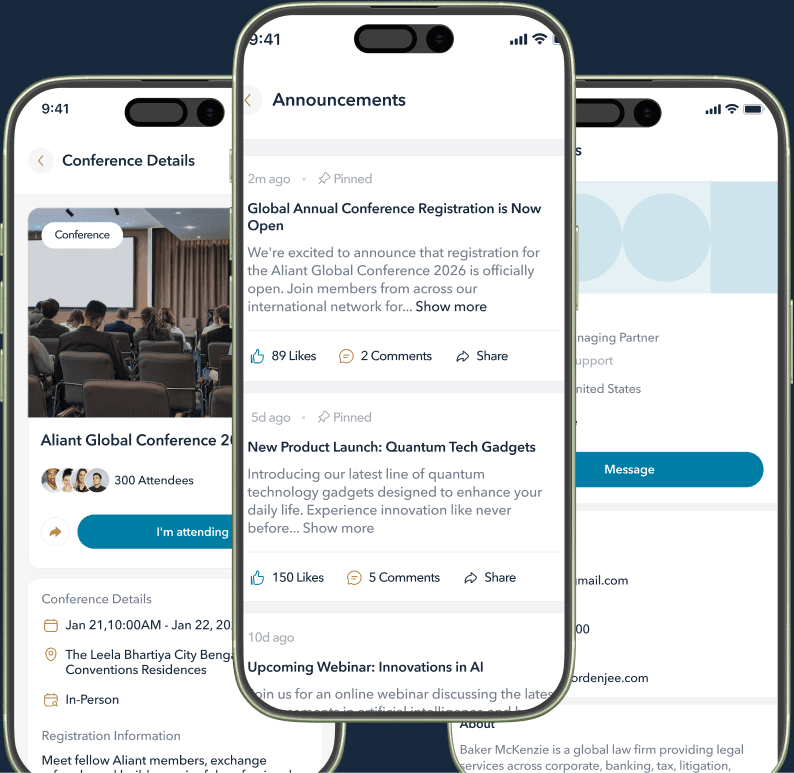
Download MyAliant+ and start connecting today
Your whole network — deals, groups, conferences and announcements — in one place. Members only.

Have a question or some feedback?
Drop us a note and we'll get back to you as quickly as possible. We read everything.